What Makes a Great IELTS App?
A useful IELTS app should provide current-format practice, clear answer review, criterion-based feedback for productive skills, and a way to compare repeated attempts. Automated band estimates should be clearly labelled as unofficial.
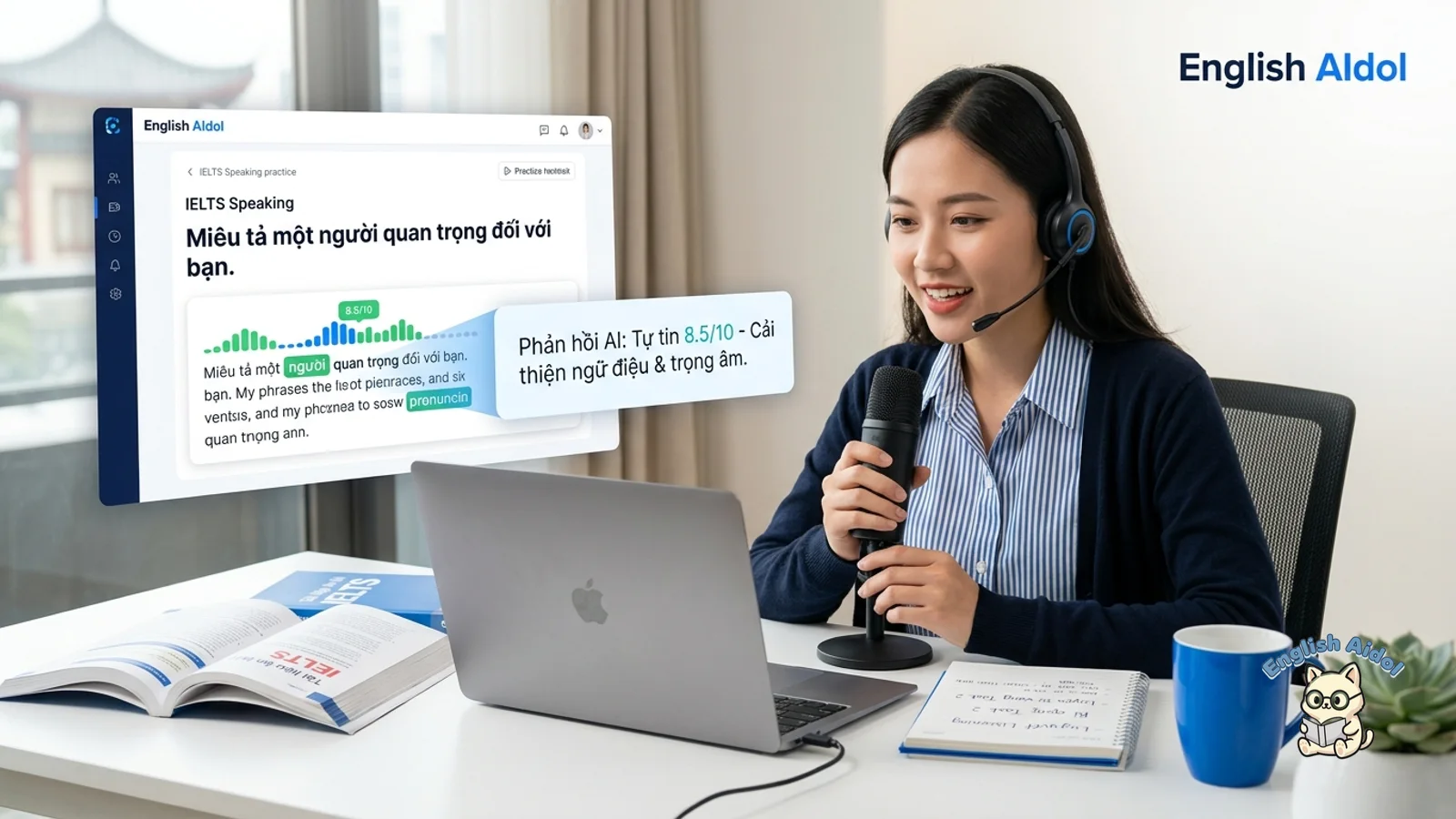
English AIdol includes Reading, Listening, Writing, and Speaking practice. Writing and Speaking feedback is organised around the published IELTS criteria, but the resulting band is a practice estimate and can differ from an official examiner result.
IELTS Academic vs General Training — Both Covered
Make sure you practice the right test. IELTS Academic is for university applications and most professional registration; the Reading and Writing modules use academic content (journal-style passages, data interpretation in Task 1). IELTS General Training is for migration and some work contexts; the Reading uses workplace/everyday texts and Writing Task 1 is a letter, not a chart description. Listening and Speaking are identical for both.
The English AIdol IELTS app covers both formats. Choose Academic or General Training for the relevant Reading and Writing practice, and confirm which test your receiving organisation requires before booking.
What's Inside the IELTS App
Mock tests. Use available timed practice to review stamina and pacing. A practice result may move up or down between attempts and does not predict an official score.
Section-by-section practice. Reading practice with all 14 question types and AI explanations for every answer. Listening with authentic-style audio across all four sections. Writing prompts for both tasks (graphs/charts/processes/maps for Academic Task 1, letters for General Training Task 1, both opinion and discussion essays for Task 2). Speaking prompts covering Parts 1, 2, and 3 with AI scoring on the four IELTS criteria.
Band score estimates. Writing essays and Speaking recordings can receive an unofficial estimate with per-criterion feedback. Use the evidence in the comments to revise your response; an app estimate is not an official result or a guaranteed prediction.
Vocabulary builder. Unfamiliar words from Reading practice get added to your personal deck automatically, with academic definitions and example sentences. Spaced-repetition review keeps the high-frequency IELTS vocabulary in your active memory.
Roadmap and study plan. Tell the app your target band and exam date and it builds a daily plan covering all four skills, recurring vocabulary review, and timed practice. A plan supports consistency but cannot guarantee a target band or timeline.
How Mobile Practice Fits an IELTS Plan
IELTS may be taken on paper or computer, while mobile practice can make short study sessions easier to fit around work or classes. Use a phone for focused vocabulary, Listening, or Speaking review, and use a suitable device and quiet setting for longer timed practice. Consistency helps you collect comparable attempts, but practice frequency alone does not guarantee a score gain.
Frequently Asked Questions
A Practical IELTS App Routine for Busy Students
A useful IELTS app should make daily practice easier, not just store old PDFs. Use mobile time for short, repeatable loops: vocabulary review, one Speaking recording, one Writing paragraph rewrite, or one Listening section. Save full mock tests for a quiet laptop or tablet session.
The best routine is small but consistent: five days of short skill practice and one weekly mock-test review. That gives enough repetition for improvement while still showing whether the score trend is moving toward your exam date.
Frequently Asked Questions
Is the IELTS app free?
Core practice may be available without payment, while mock-test, explanation, and progress limits depend on the current plan. Check the in-app plan screen before relying on a particular feature.
Does the app cover IELTS Academic and General Training?
Yes. When you start a practice session you choose Academic or General Training, and the app loads the right question types and Writing prompts. Switching between formats is fine — many students try both before deciding which test to take.
How accurate is the AI band score?
The band is an unofficial practice estimate organised around published IELTS criteria. It can differ from an examiner result, so focus on the criterion feedback and confirm high-stakes readiness with official materials or qualified review.
Can I take a full IELTS mock test on my phone?
Yes. The app supports full-length, timed mock tests for both Academic and General Training across all four skills. Use a quiet room and headphones — Listening and Speaking won't feel realistic without them.
Does the IELTS app work on iPhone and Android?
English AIdol is available on iOS, Android, and web. Check the current app listing and sign-in state for version-specific features and saved-progress behaviour.
How long does it take to improve my IELTS band?
There is no dependable universal timeline. It varies with starting level, target, language exposure, practice quality, and the section that needs work. Compare several timed attempts and revise the plan from evidence.